Quickstart
1. Install
2. Try the demo
Your browser opens to http://localhost:8321 with a demo MCP server loaded.
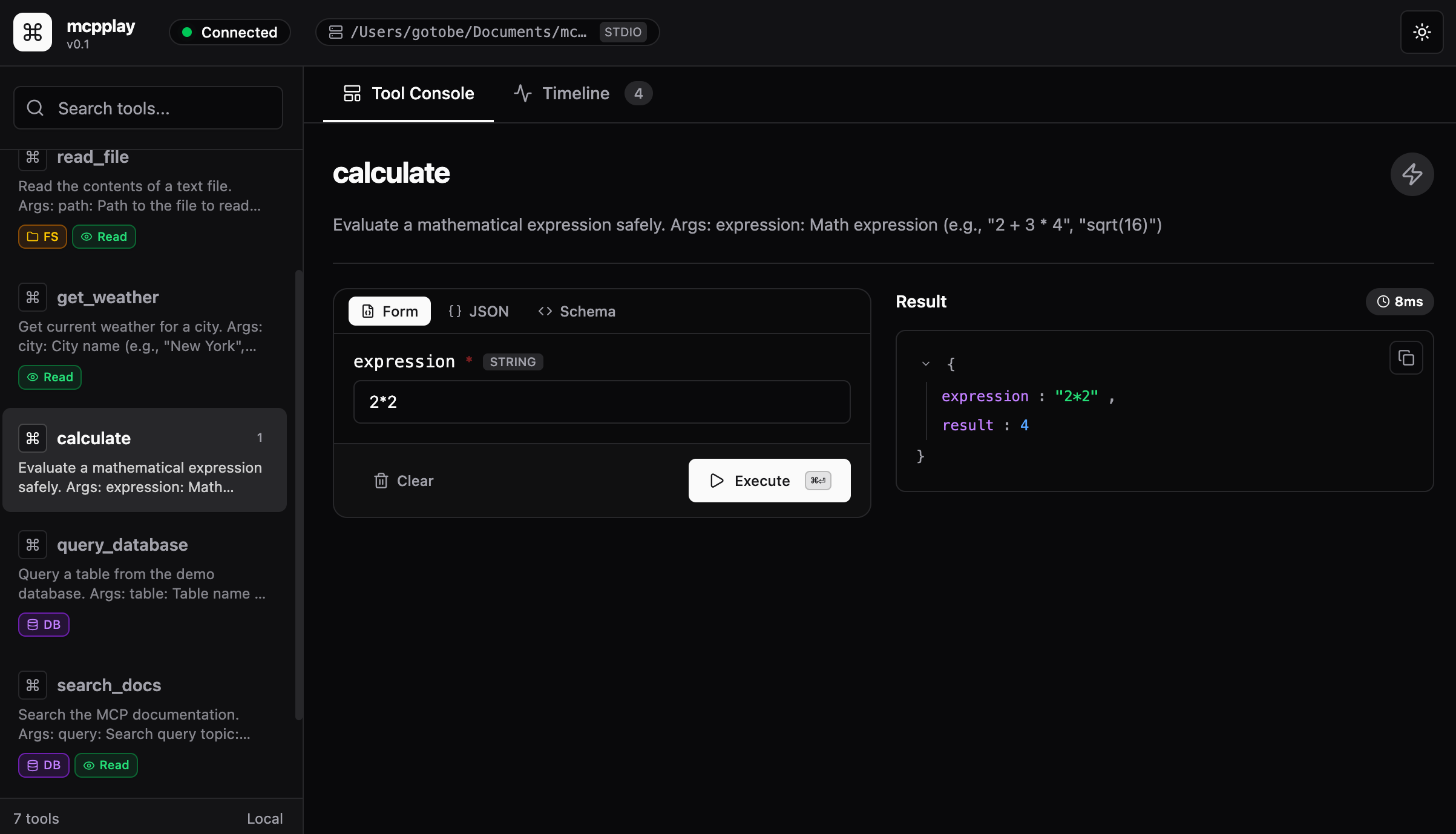
3. Use the playground
- Pick a tool from the sidebar
- Fill in the form - fields are generated from the tool's schema
- Click Execute (or press cmd+enter)
- See the result in the right pane
Switch to the Timeline tab to see all past executions with inputs, outputs, and latency.
4. Point it at your own server
Works with any MCP server that communicates over stdio - FastMCP, the official MCP SDK, or any language.